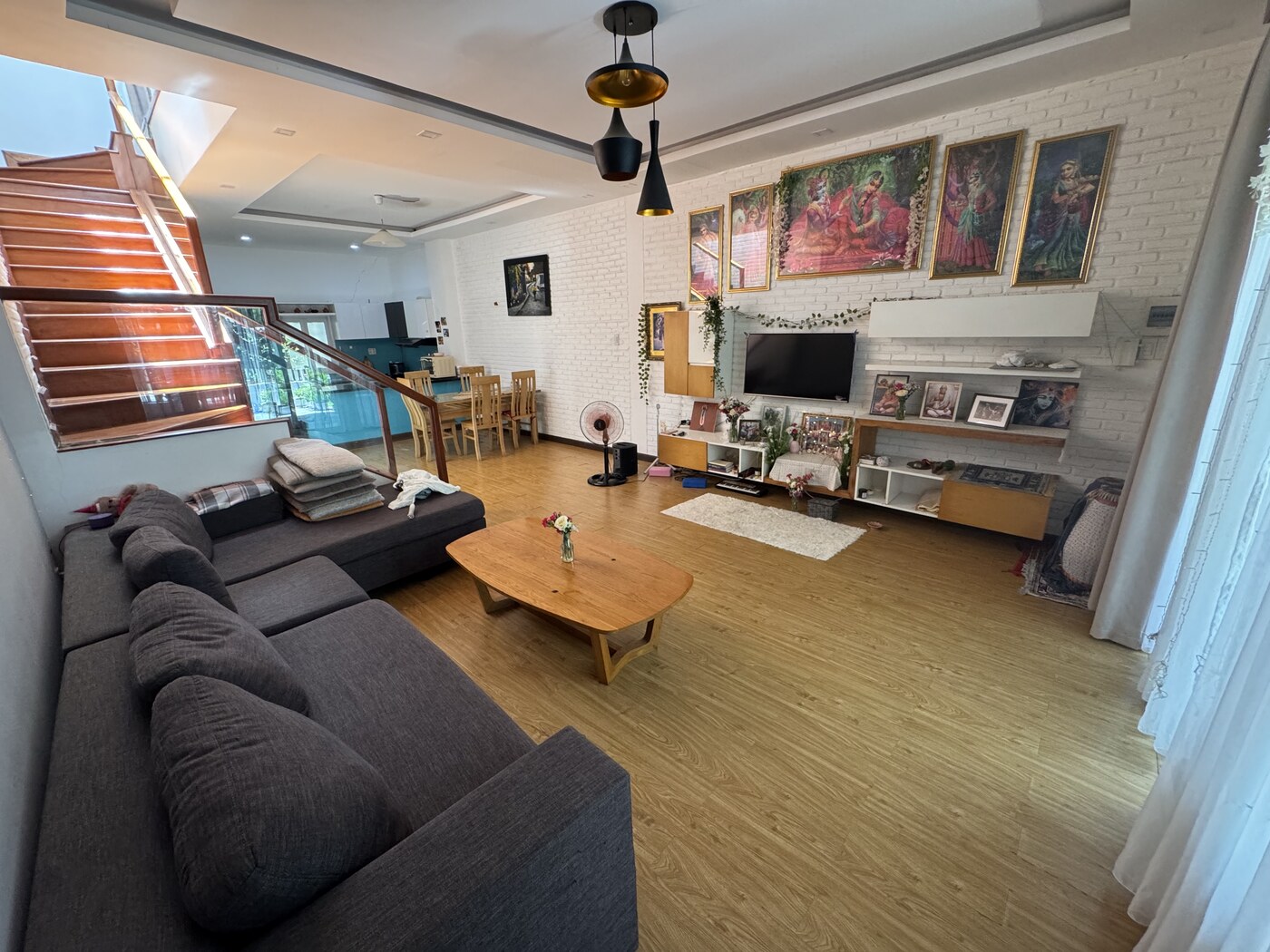
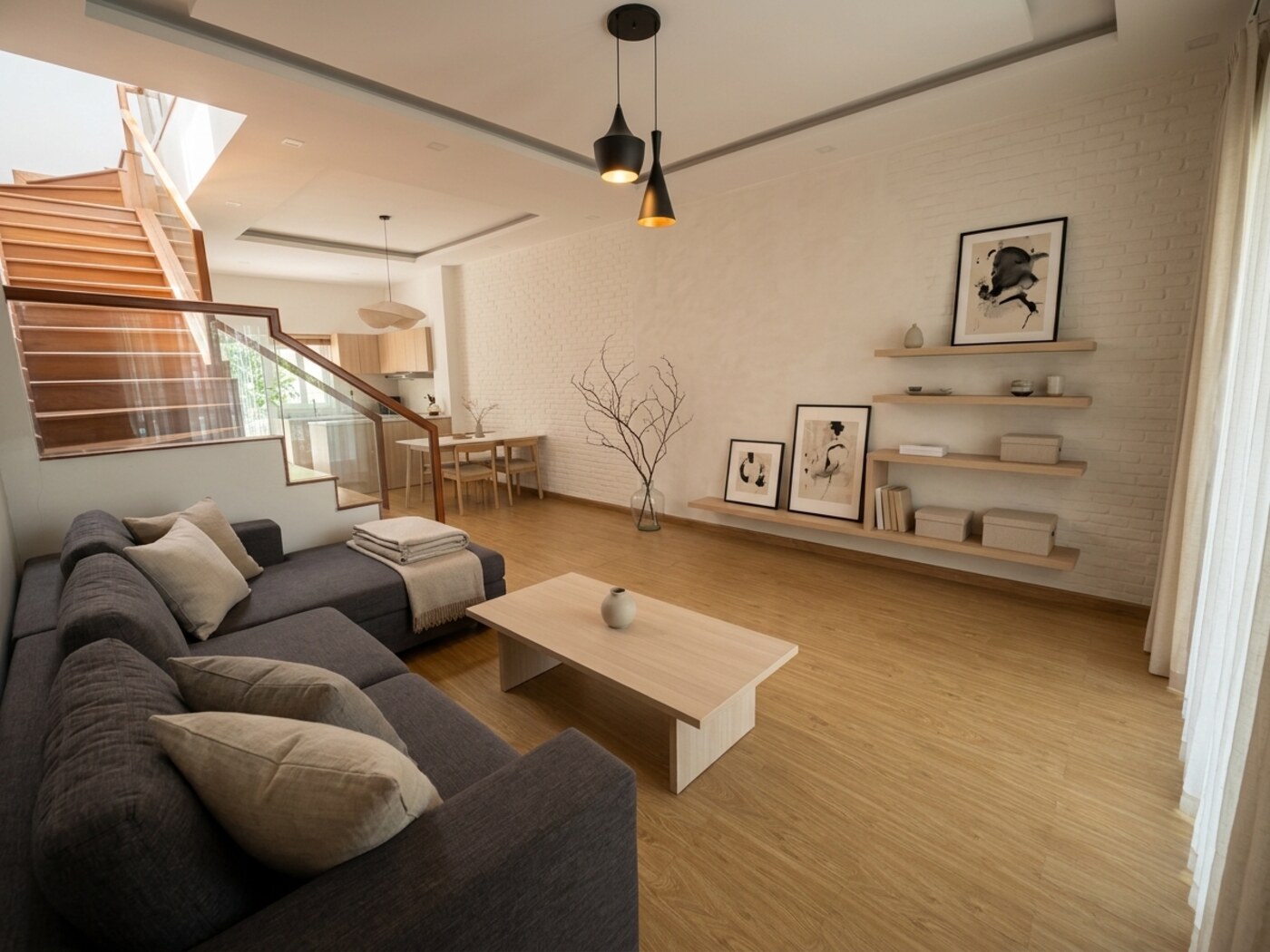
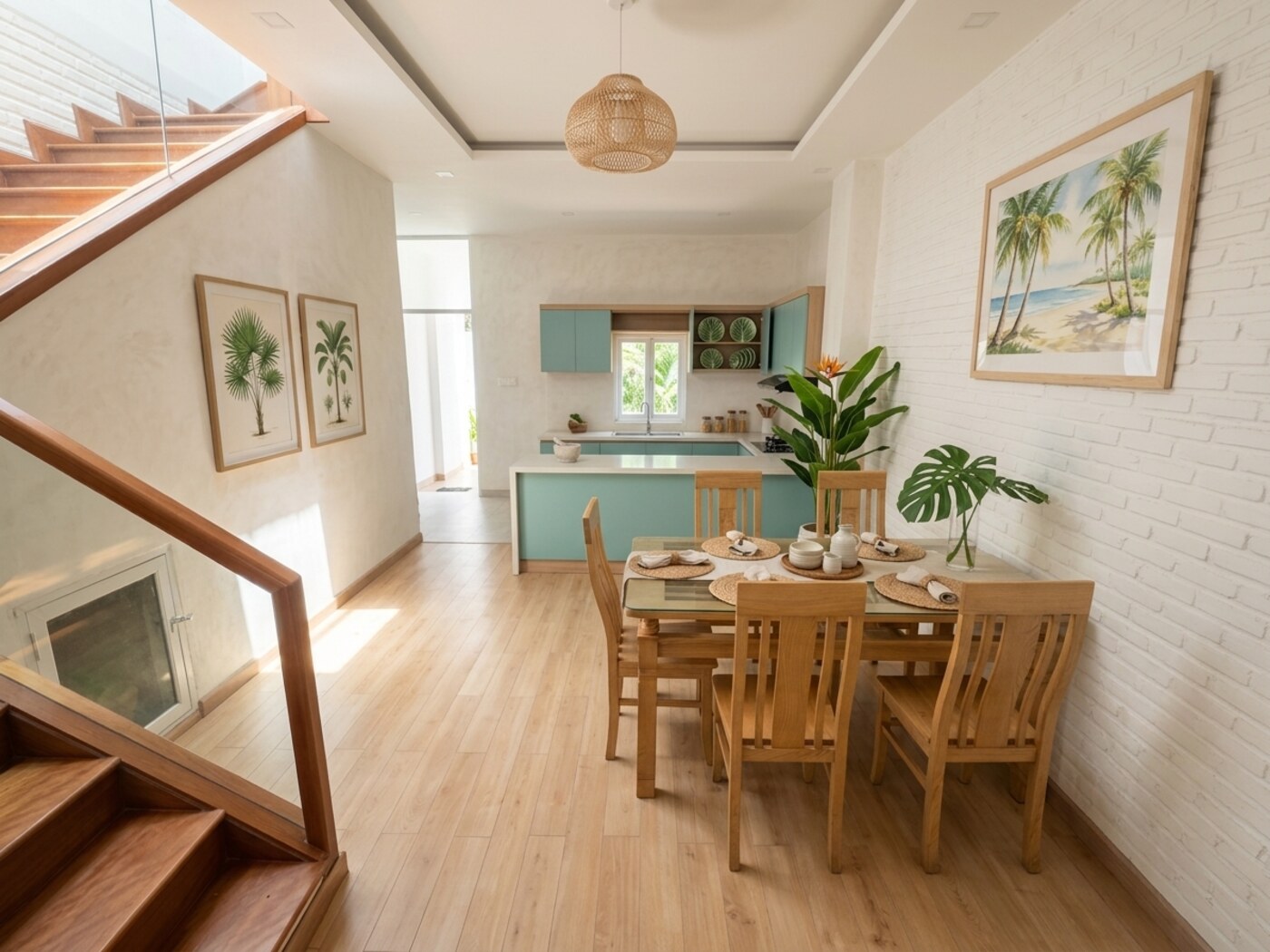
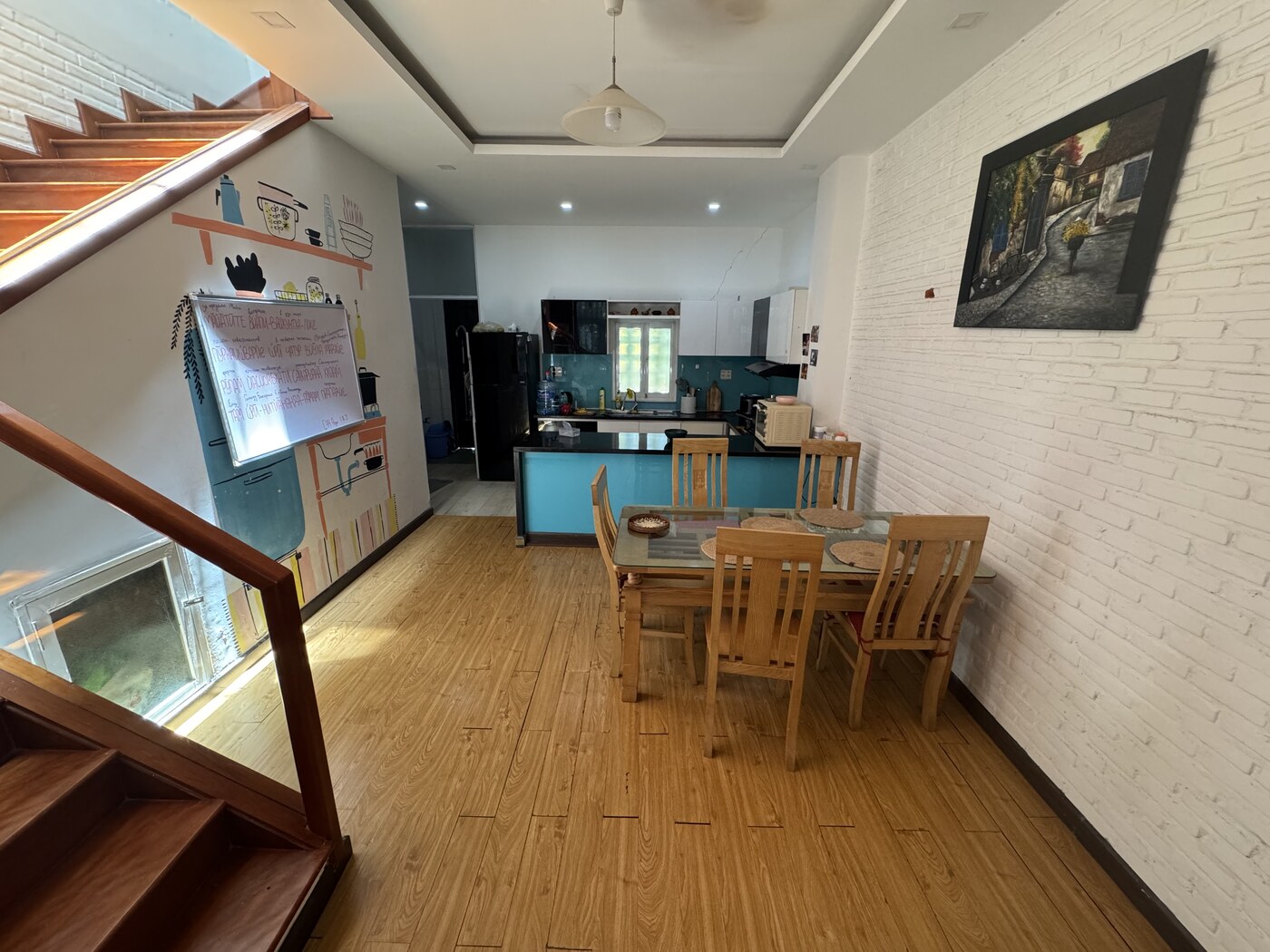
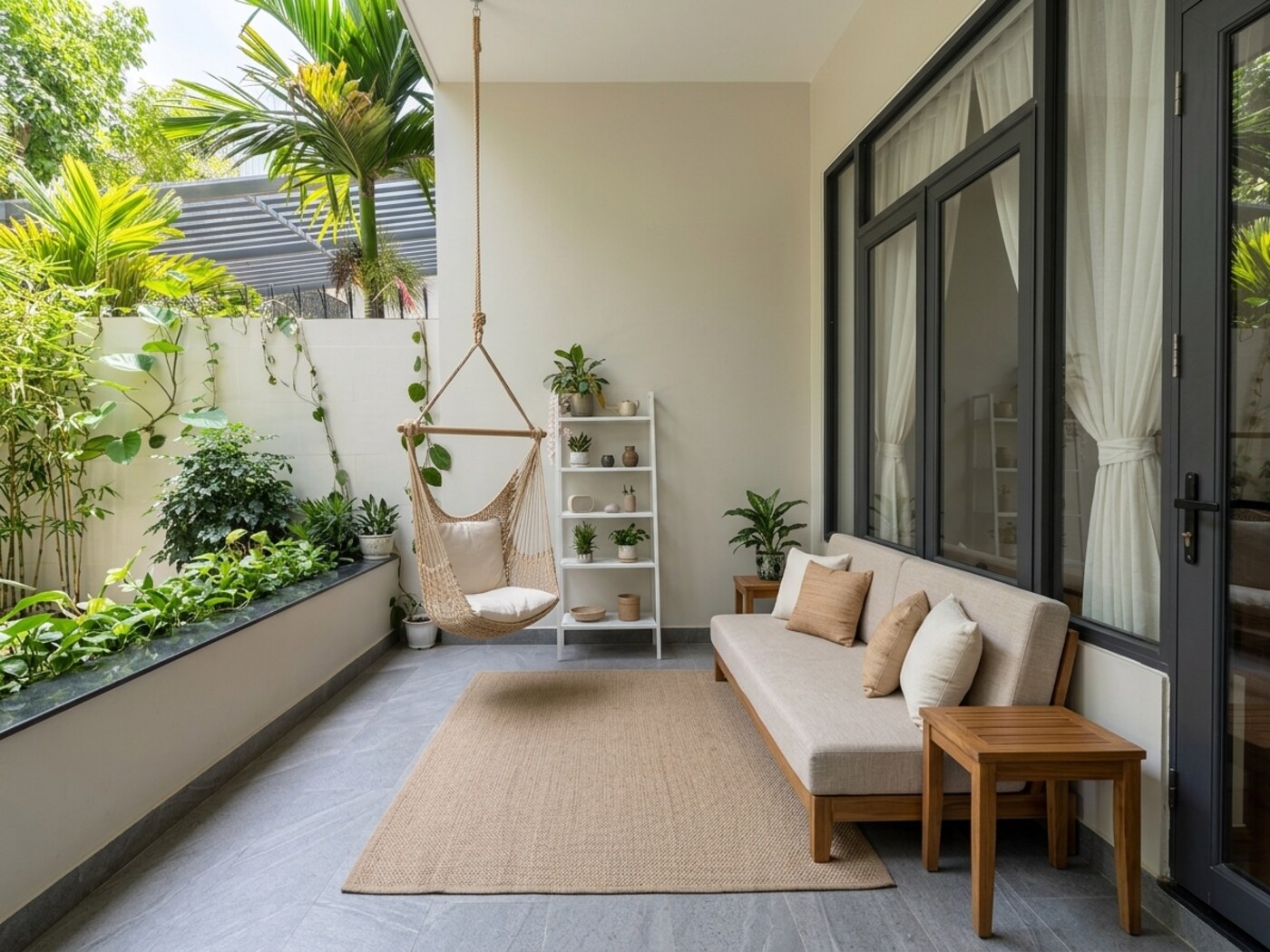
One photo · 30 seconds

Free AI Interior
Design — Redesign
Any Room from
a Photo

Not just another render. Roomzine produces a glossy magazine spread about your room — before/after redesign, color palette, editorial text, and a shopping list you can hand to your contractor.

2 free room designs · no card · no signup · ready in 30 seconds
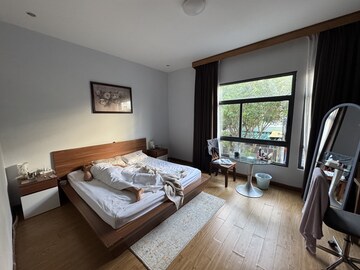
Bedroom before AI redesign
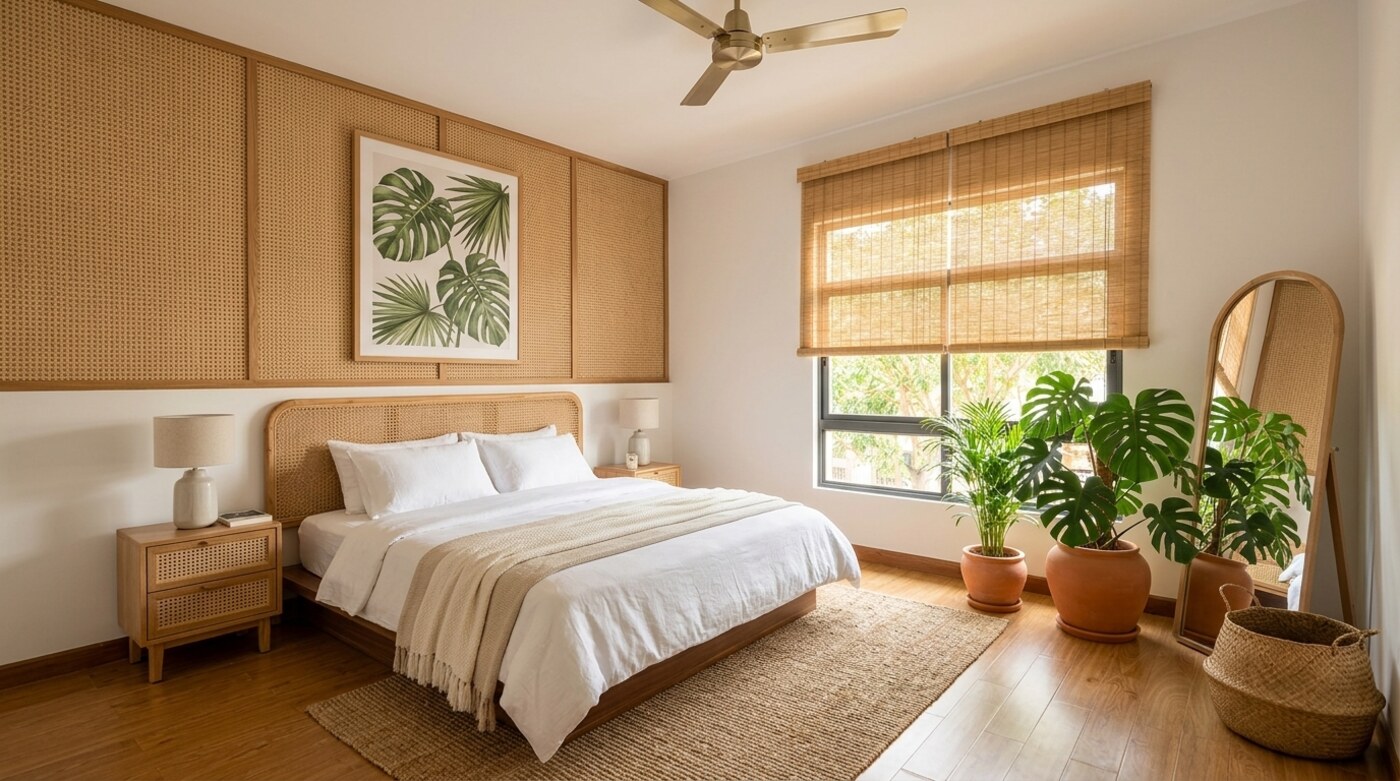
Bedroom after AI redesign — Modern Tropical style
Before
After
Bedroom 18 m²
Photo → magazine spread · Modern Tropical
30 sec
from photo to your first redesign
$0
to start — 2 free designs, no card
7+
design styles per room
PDF
glossy magazine to take to your contractor
How it works

From photo to magazine — three steps

No design skills needed. All you need is a phone photo.

1

Snap a photo

Any room, as it is right now — clutter, old furniture, before the renovation. A regular phone photo is all you need.

Before
After
Before
After
2

Pick a style

Choose from Japandi, Scandinavian, Modern Tropical, and more. Tap a style — see the result instantly.

Tropical Scandinavian Japandi
Kitchen in selected style
3

Get your magazine

Before/after spread, detail crops, color palette, list of changes, and a shopping list — a print-ready PDF magazine.

Kitchen magazine spread
Living room magazine spread
Bedroom magazine spread
Kitchen · Modern Tropical
Not just another render

Everyone else hands you
a disposable image.
We hand you a magazine.

Most AI redesign tools hand you a render to screenshot and forget. Roomzine produces a document — a glossy magazine spread you can print and hand to your contractor as a brief.

Every other tool

A web image

  • One render, no context
  • No color palette or shopping list
  • No text explaining what changed
  • You still have to brief your contractor yourself
VS
Roomzine

A glossy magazine spread

  • Full before/after spread, print-ready PDF
  • Color palette + list of every change
  • Editorial text written like an interior feature
  • Hand the PDF to your contractor as a brief
What exactly changes

A breakdown, not just
a pretty picture

Kitchen
Kitchen before
Kitchen after AI redesign
Before
After
Kitchen · Modern Tropical

From kitchen chaos to a tropical morning

  • Blue paint → warm wood-concrete tones
  • Tropical greenery and woven accents added
  • Open shelves replace solid upper cabinets
  • Warm under-cabinet lighting throughout
Magazine palette
Who uses Roomzine

A tool, not a toy

The magazine works wherever you are actually doing something with a space.

Before a renovationBefore a renovation

See it before you spend it

Understand what the result will look like before committing money. The magazine is a ready-made brief for your designer and contractor.

Real estate stagingReal-estate staging

Virtual staging that converts

Show buyers the potential of an empty or cluttered space. The before/after spread works on Zillow, Airbnb, and listing presentations.

Small or rented apartmentRental & small spaces

Change everything without a drill

Can't knock down walls? See what furniture placement, light, and textiles can do — without touching a single thing that belongs to your landlord.

Just dreamingJust dreaming

A magazine about your home

Get a glossy magazine about the space you live in. Save it, share it, frame the cover. No other AI tool gives you this.

Flip through it

Browse real magazine spreads

Real outputs from real rooms — not mockups.

Download the full example issue (PDF)
A real 7-room issue, start to finish — the same document you get for your own home.
Questions answered

Frequently asked

Is Roomzine really free to use?
Yes. You get 2 free room redesigns — no credit card, no account required. Each free design is delivered as a web image. The full PDF magazine (multiple rooms, no watermark, editorial text, color palette, shopping list) is a paid upgrade.
How does Roomzine work?
Upload a photo of your room, choose a design style — Japandi, Scandinavian, Modern Tropical, and more — and Roomzine produces a full AI redesign. Paid plans generate a multi-page glossy magazine PDF with before/after spreads, color palettes, editorial text, and a shopping list.
Do I need to create an account?
No. You can get your 2 free room designs without creating an account. Sign up to save your designs and unlock the full PDF magazine.
What interior design styles are available?
Roomzine supports 7+ styles including Japandi, Scandinavian, Modern Tropical, Mid-century Modern, Bohemian, Industrial, Coastal, and Minimalist. New styles are added regularly.
Can I use Roomzine for real estate or rental staging?
Yes. The PDF magazine format is especially useful for virtual staging — show buyers or renters the potential of a space without expensive physical staging. Agents use it to elevate listing photos on Zillow, Realtor.com, and Airbnb.
Is my photo kept private?
Your photo is used only to generate your design. We do not share, sell, or publish your images. Photos are processed only to create your design, and we don't use them to train our own models.
What do I get compared to a regular AI room design tool?
Every other AI interior design tool gives you a single web image. Roomzine produces a glossy magazine spread: a full before/after page, detail crops, a color palette, editorial text written like an interior magazine feature, and a shopping list — a document you can print and hand to your contractor.
Can I print or share the magazine?
Yes. The PDF magazine is print-ready at full resolution. Share it by link, print it as a contractor brief, or post the before/after spread on Pinterest, Instagram, or Reddit.
Stop guessing.
Upload your photo — and see.

2 free room designs. No card. No signup. Your redesign is ready in 30 seconds.

Design my room →
Upload your photo — see a preview spread in seconds.
Satisfaction guaranteed — money back if you're not happy.